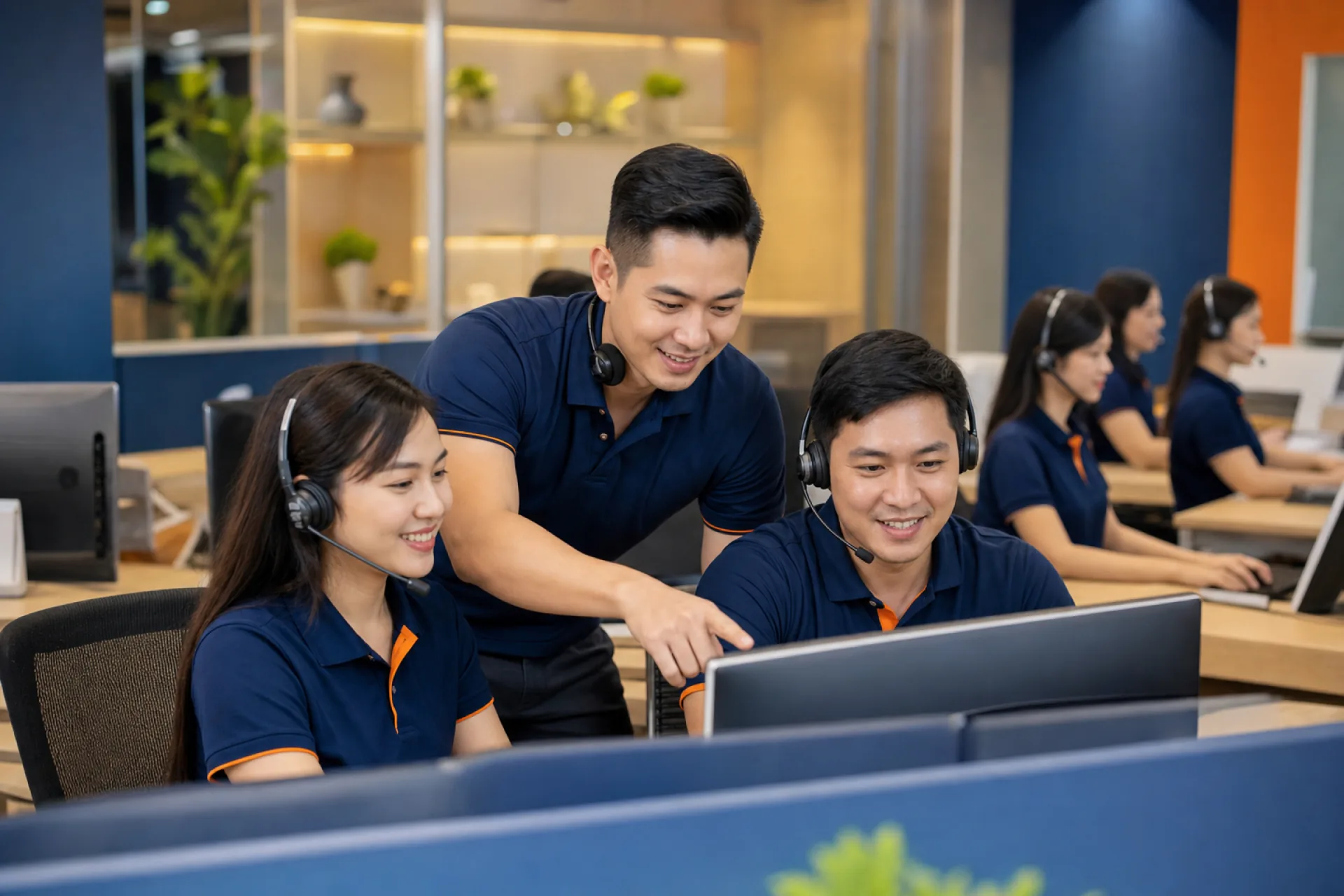
Support for Restaurants That Cannot Pause
Setup, product trials, remote help, and resources for daily operations.
Whether you are preparing a new store, trying the product, or checking a device issue, Lucky POS support helps your team keep service moving.
Choose the Right Support Channel
Quick paths for product guidance, tutorials, and technical questions
Help Center
Read product guides, operation notes, and setup references.
Visit Help CenterVideo Tutorials
Watch product walkthroughs and feature demos for restaurant teams.
Watch VideosRemote Support
Get guided help for setup, usage questions, and device management checks.
Contact UsProduct Trial
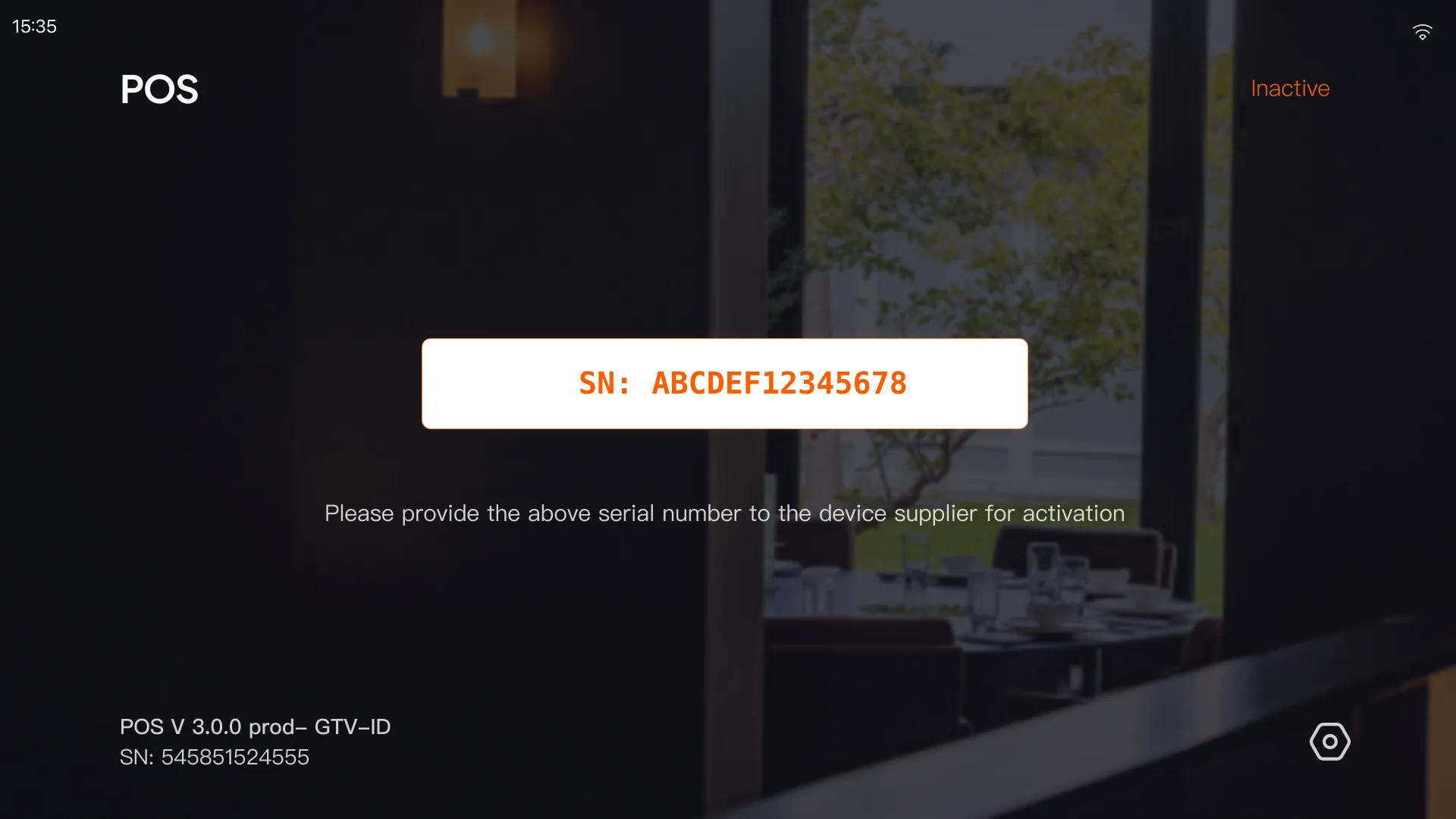
Prepare an Android phone or tablet, install POS or KDS, and activate the device with our team.
Hardware Service & Rollout Support
Onsite coverage depends on local partners, while remote support remains available for every project
Local Partner Support
Coordinate store rollout through local partners where coverage is available.
Align deployment timing, store readiness, and follow-up service steps.
Keep communication clear between the restaurant, partner team, and Lucky POS.
Availability varies by region and depends on local partners or service centers.
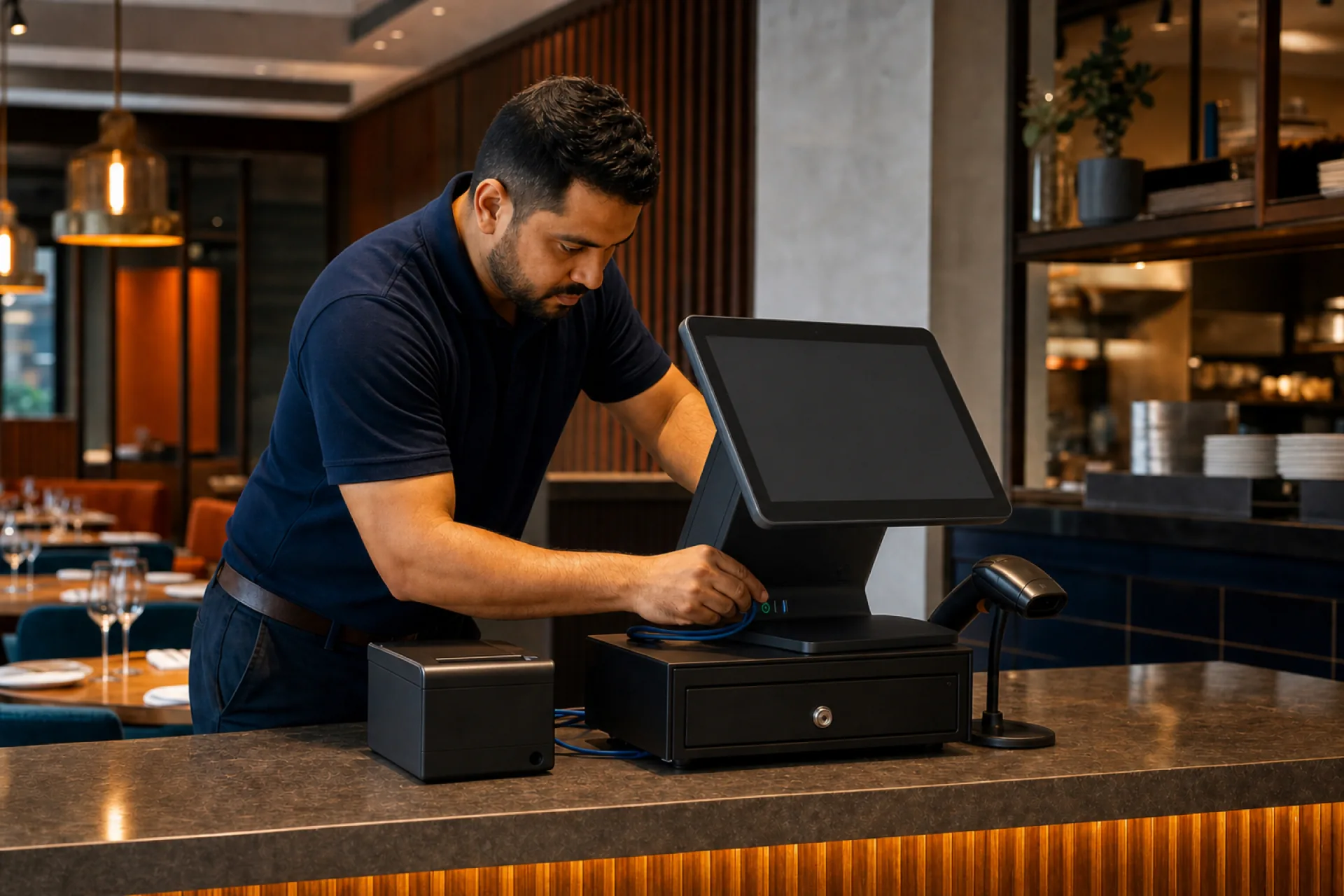
Professional Installation
Place POS terminals, printers, tablets, and network devices around the store workflow.
Check network basics and device connectivity before handover.
Validate checkout, kitchen, and payment flows during setup.
If onsite installation is not available, we provide remote setup guidance and training.
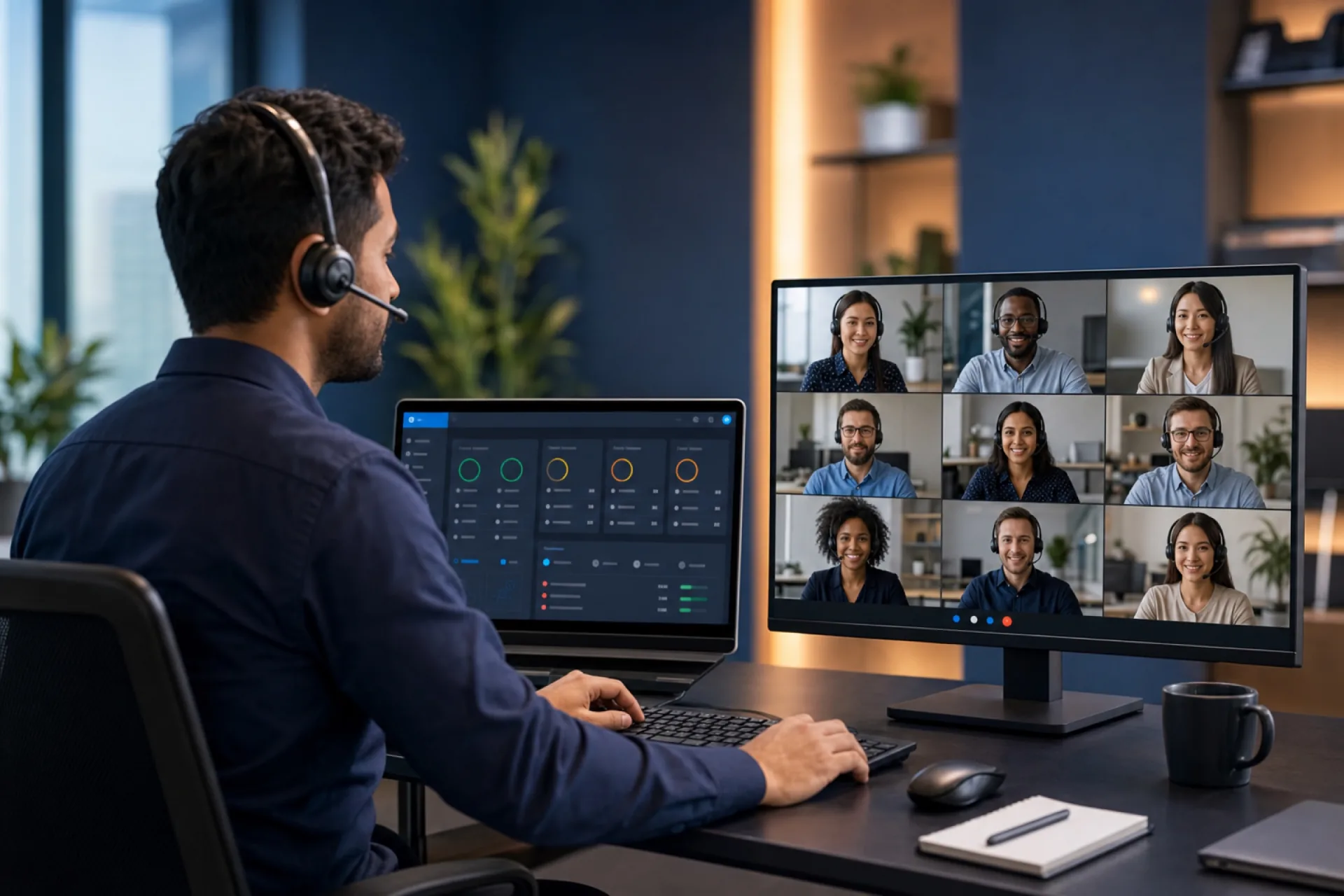
Remote Device Support
Check device status and configuration when remote management is enabled.
Protect customer privacy with permission-based support boundaries.
Guide troubleshooting for setup, updates, and daily device issues.
Customers control whether MDM support is enabled. It does not provide direct screen viewing or control by default.
Training Service
Train cashiers on checkout, refunds, discounts, and shift handover.
Help kitchen and floor teams understand order status and daily workflow.
Support managers with permissions, reports, and basic troubleshooting.
Training content is adjusted by selected modules, staff roles, and store workflow.
Support Questions
Answers for setup, product trials, remote help, and service coverage
Onsite service depends on local partner or service center coverage. If onsite support is not available, we can still provide remote setup guidance, product trial assistance, and technical follow-up.
Remote device support can use an MDM platform when the customer chooses to enable it. For privacy and security, it does not mean Lucky POS can directly view or control device screens by default.
Prepare an internet-connected Android phone or tablet, download the POS or KDS APK, install it, then share the serial number shown on first launch with our service team for authorization and activation.
Use the Help Center for written guides and the Lucky POS YouTube channel for product walkthroughs and operation videos.