
Mobile Service,
Flexible Response
Handheld smart ordering terminal for better customer experience and easier staff operations
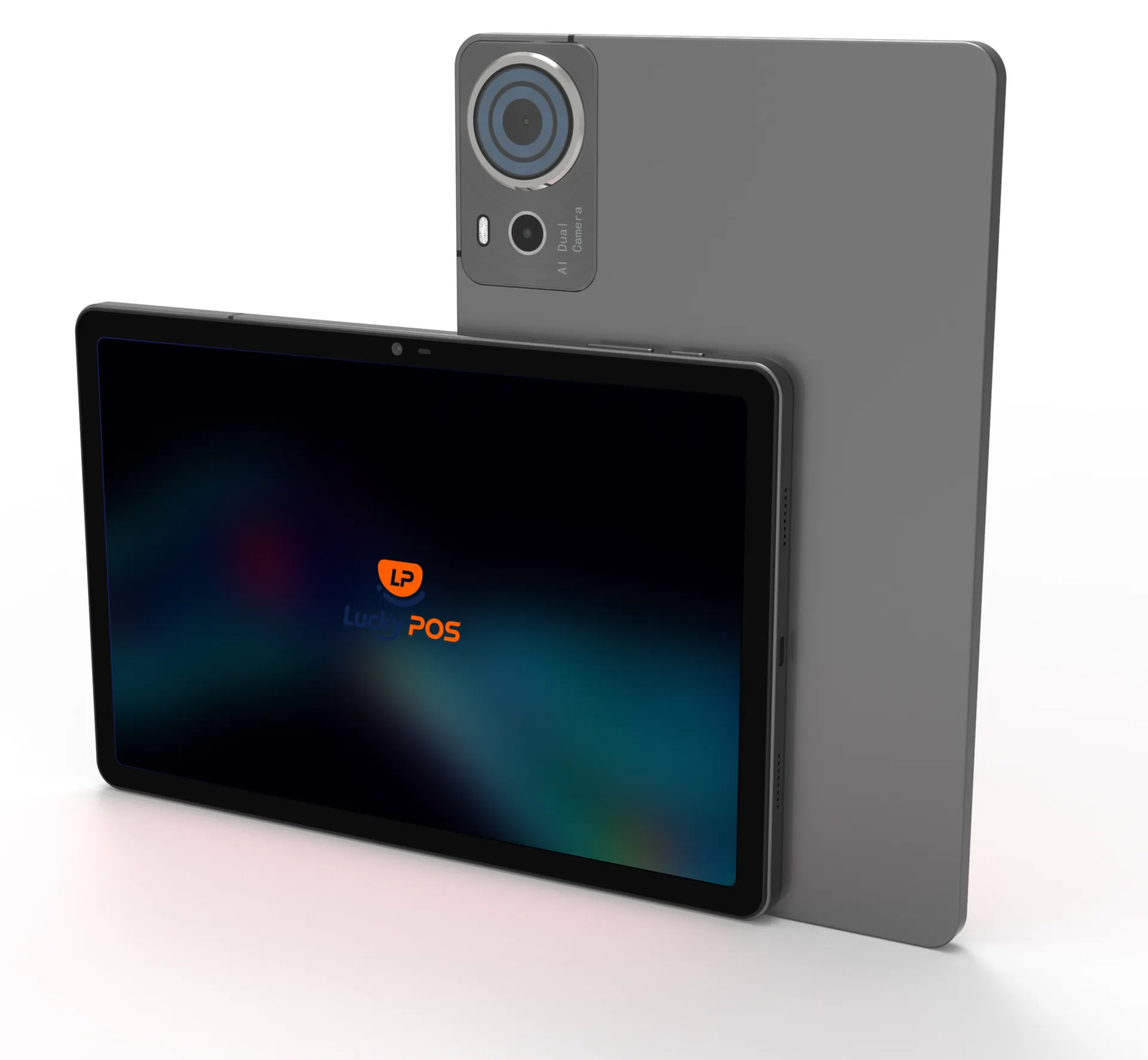
Lucky POS tablet ordering is a lightweight mobile tool for staff handheld ordering or customer self-service, supported by electronic menus and real-time sync.
Core Features
Comprehensively improve service efficiency and guest experience.
Tableside Ordering Flow
From guest request to kitchen-ready order
Tablet ordering keeps staff close to the table while the order moves through the same POS and kitchen workflow.
Technology & Hardware Support
Professional device configuration and reliable system integration.
Device Compatibility
Compatible with mainstream Android tablet devices.
Screen Adaptation
UI adapts to 7-inch to 12-inch screens.
System Integration
Seamless integration with POS and KDS with real-time data sync.
Dedicated Devices
Provides custom restaurant-specific tablets deeply optimized with the system, combining cost-effectiveness with stable performance.
Application Scenarios
Suitable for varied dining environments.
Fine Dining Peak Hours
Waiters order directly by tablet to reduce back-and-forth trips.
Fine Dining Peak Hours
Waiters order directly by tablet to reduce back-and-forth trips.
- Peak hours
- Direct ordering
- Fewer trips
Bar / Casual Dining
Tableside ordering can combine with QR ordering for more flexibility.
- Tableside
- QR ordering
- Flexible service
Outdoor / Patio Dining
Wi-Fi tablets support ordering and add-ons anywhere.
- Wi-Fi tablet
- Outdoor seating
- Add-ons
Group Dining
Table management and add-ons help avoid confusion.
- Group dining
- Table management
- Add dishes
Business Value
Mobile ordering gives service teams more time with guests and fewer manual handoffs
Fewer counter trips
Faster order capture
Fewer order re-entry errors
Live table order visibility
We Have the Answers
Common questions about tablet ordering, device compatibility, table service, and order sync
Yes. Staff can select a table, add menu items, record notes, and send the order into the connected Lucky POS workflow.