
Back Office for
Restaurant Control

Manage menus, inventory, promotions, staff permissions, stores, and reports from one operating center.

Lucky POS Back Office keeps daily restaurant management connected to the same live system used by POS, Kiosk, QR ordering, and kitchen teams.

Core Features

Manage key back-office work in one place

01

Menu & Product Management

Keep menu content consistent across channels.

  • Categories, modifiers, combos
  • Keep menu content consistent across channels.
  • Live Lucky POS sync
02

Pricing & Promotions

Update discounts and promo rules centrally.

  • Prices, offers, campaigns
  • Update discounts and promo rules centrally.
  • Live Lucky POS sync
03

Inventory & Raw Materials

Track stock signals and raw material usage.

  • Stock, ingredients, alerts
  • Track stock signals and raw material usage.
  • Live Lucky POS sync
04

Staff & Permissions

Control what each team can view or edit.

  • Roles and access
  • Control what each team can view or edit.
  • Live Lucky POS sync
05

Multi-Store Management

Compare stores and keep settings aligned.

  • Branches and standards
  • Compare stores and keep settings aligned.
  • Live Lucky POS sync
06

Reports & Export

Review key data and export reports quickly.

  • Sales and exports
  • Review key data and export reports quickly.
  • Live Lucky POS sync

Operational Management Examples

Real business process demonstrations showing how backend management improves efficiency

01

New Product Launch Process

Launch new dishes once and keep every selling channel aligned.

  • Headquarters adds new dishes
  • One-click push to all stores
  • POS and Kiosk display together
02

Holiday Promotions

Create campaign rules centrally and let stores execute them consistently.

  • Configure spend-and-save activities
  • Store screens update together
  • QR ordering applies offers
03

Inventory Integration

Connect popular item sales with stock signals and replenishment reminders.

  • Track fast-selling dishes
  • Reduce stock automatically
  • Remind purchasing to restock
04

Permission Hierarchy

Keep headquarters, store managers, and staff working within clear data boundaries.

  • Headquarters views all stores
  • Managers view assigned stores
  • Operation logs stay recorded
05

Price & Menu Synchronization

Push approved prices and menu changes to connected terminals quickly.

  • Update prices or menus centrally
  • Terminals refresh quickly
  • Reduce pricing mistakes
06

Automatic Report Generation

Turn daily store activity into reports that support management review.

  • Compile data automatically
  • Cover sales and inventory
  • Support real-time overview

Technology & Security Support

Enterprise-level security assurance and professional technical support for daily back-office operations.

Data Security Assurance

Multi-layer data protection helps safeguard financial data, customer information, and operating records.

Cloud Backup

Automatic cloud backup keeps store data recoverable and supports multi-location continuity planning.

Permission Management

Fine-grained role control keeps different teams focused on the modules and data they are allowed to use.
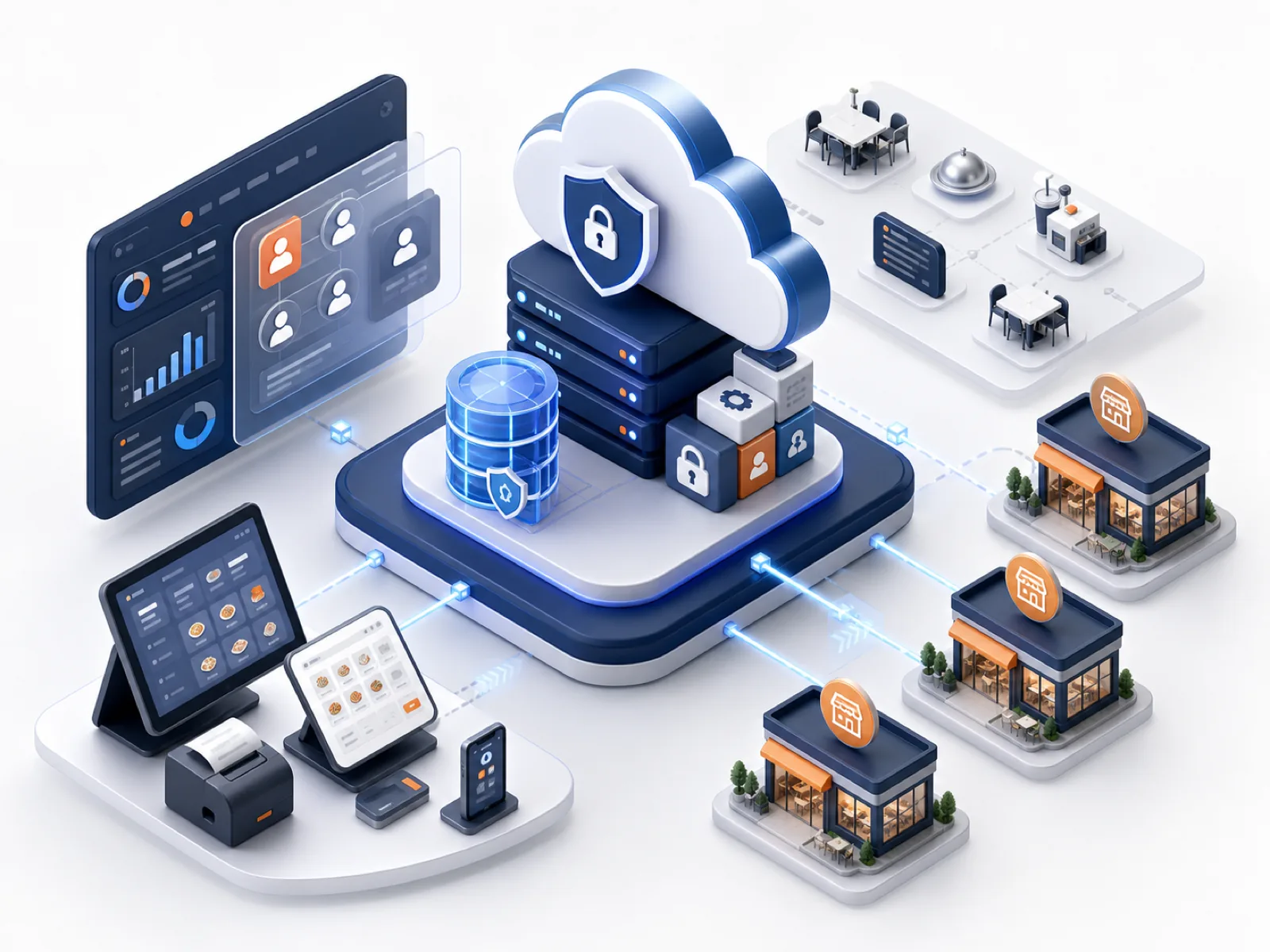
Back Office management and security support interface

Business Value

Visible gains when restaurant decisions and daily execution stay in one management system

1

Central workspace for store management

6+

Core management areas connected

24/7

Operational data visibility

30%

Less manual reporting work

We Have the Answers

Common questions about menu control, inventory, permissions, reports, and multi-store rollout

Yes. Menu data can be managed centrally and used by supported Lucky POS ordering channels according to your configuration.