
Digital signage for
Store Marketing
Publish menus, campaigns, and brand content across every customer-facing screen.
Lucky POS CDS helps restaurants turn signage screens, POS customer displays, and Kiosk standby screens into managed marketing touchpoints.
Core Features
Everything a restaurant needs to manage digital signage content from one place
Publishing Workflow
From content creation to live store playback
CDS keeps marketing content organized, scheduled, and delivered to the right screens without repeated manual work.
Display & Playback Hardware
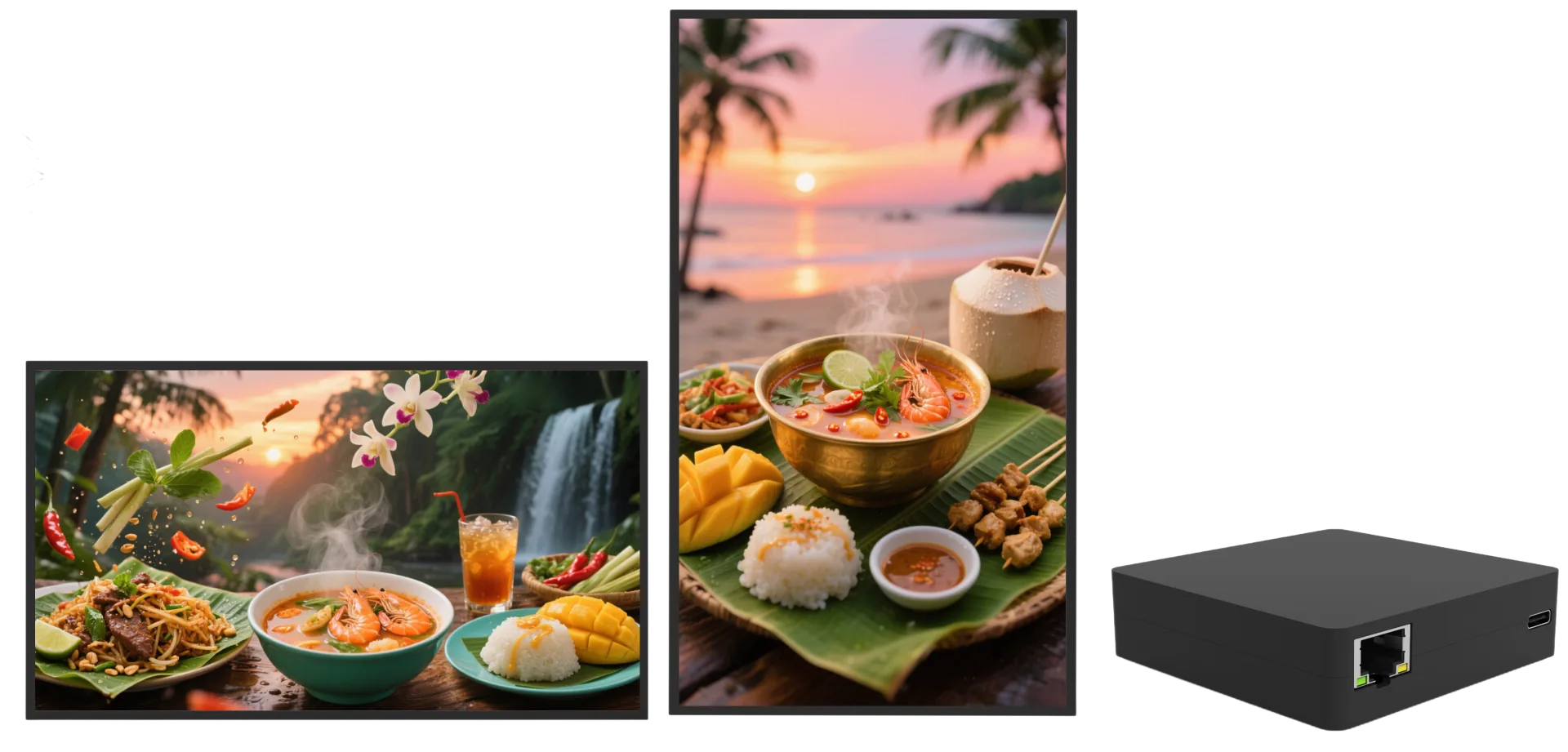
Deploy CDS with professional signage screens or existing displays connected to playback hardware.
Screen Hardware Support
Use official smart signage, customer-facing displays, or compatible commercial screens for menu boards, promo walls, and waiting areas.
External Playback Box
Connect standard monitors to a dedicated playback box so scheduled content can be downloaded, stored, and played reliably.
Landscape & Portrait Layouts
Support horizontal and vertical screen layouts for counters, windows, menu boards, and waiting areas.
Local Cache Playback
Published content is stored locally after download, helping screens keep playing during unstable network moments.
Where It Fits
CDS turns existing store screens into useful marketing space
Time-Based Menus
Automatically show breakfast, lunch, dinner, or late-night menu content at the right time.
Time-Based Menus
Automatically show breakfast, lunch, dinner, or late-night menu content at the right time.
- Menu boards
- Meal periods
- Auto schedule
Campaign Promotions
Launch holiday campaigns, combo offers, and member benefits across multiple branches.
- Promotions
- Branches
- Member offers
New Product Launches
Highlight new items on customer-facing screens and guide guests toward ordering channels.
- New items
- Brand visuals
- Order guidance
Business Value
Make every customer-facing screen easier to update and more useful for store marketing
Higher promotion visibility
Faster campaign updates
Less manual screen maintenance
Always-on brand display
We Have the Answers
Common questions about CDS hardware, publishing, scheduling, and playback reliability
You can use official smart signage or use existing displays with compatible playback hardware, depending on the store layout.