
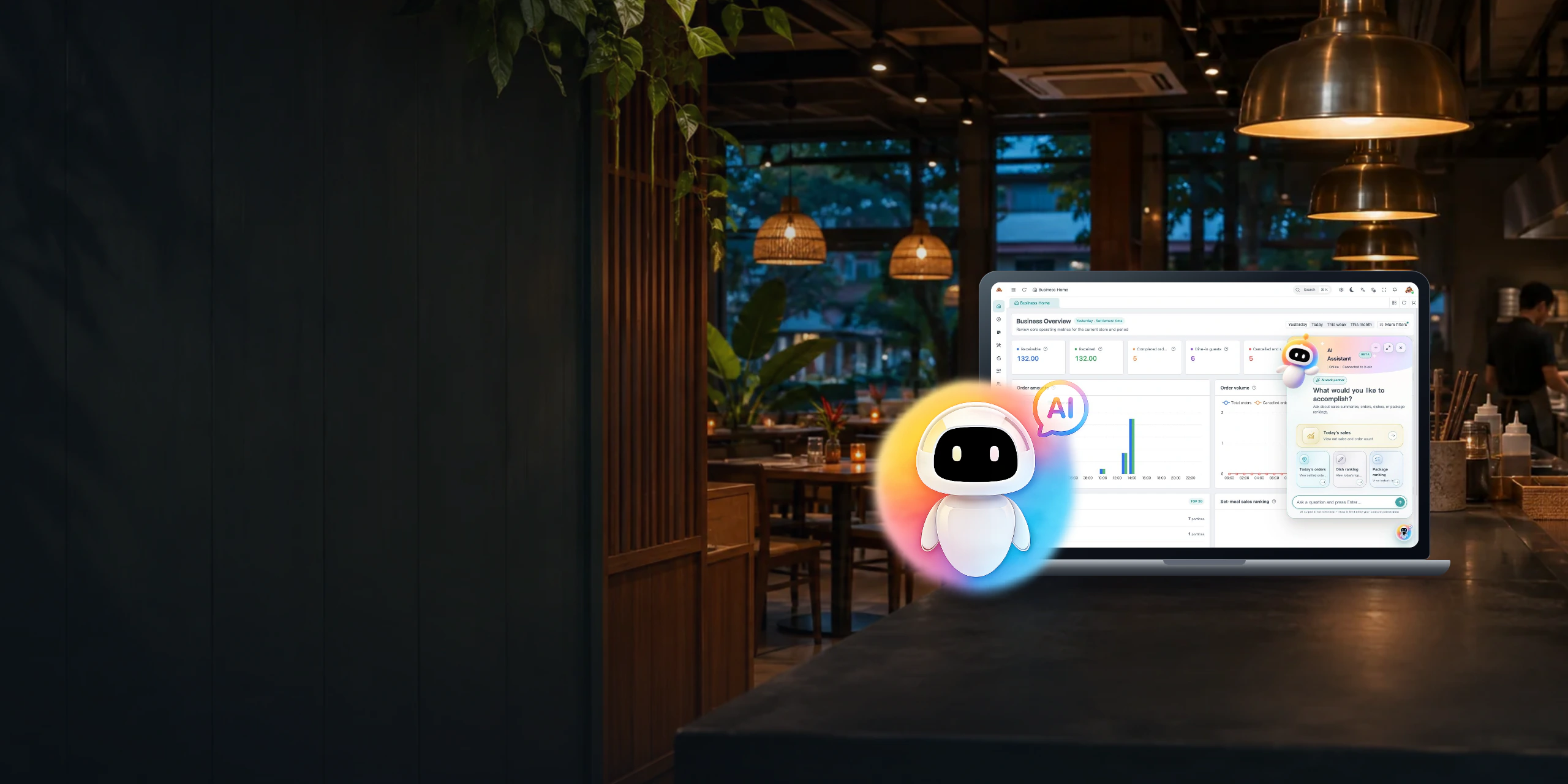
AI Store Assistant
Just ask.
Get answers from your store data.
Ask about sales, settled orders, and your best-selling dishes and set meals in the Lucky POS Smart Edition back office.
What the AI Store Assistant can do
Check sales, settled orders, and bestsellers, and preview features for day-to-day restaurant operations.
Sales lookup
Check sales for a day or a date range. You can specify whether to use settlement time when comparing results with your reports.
Settled order lookup
Check the settled order count for the same period and reporting basis. Open the order records to verify individual transactions.
Dish sales rankings
Look up dish sales and rankings for the period you want to review.
Set meal sales rankings
See how many of each set meal you sold and compare their rankings for the selected period.
 Feature preview What could we try on quiet weekday afternoons? Suggested experiment Offer a snack and drink set from 2 to 5 p.m. for one week.
Operating recommendations
Turn sales patterns into ideas you can try, from a slow-hour offer to a new pairing with a bestseller.
 Feature preview Add a lemon roast chicken for $12.90 under Mains. New menu item draft Lemon roast chicken$12.90CategoryMains
Quick menu item creation
Describe a new dish in one message. The assistant prepares a menu draft with its name, category and price for you to review and save.
 Feature preview Summarize yesterday’s business. Daily recap · Example data Sales$1,280Settled orders96Top dishGrilled chicken
Daily business summary
Bring sales, settled orders and the top dish into one recap for closing or handing over a shift.
 Feature preview Did anything look unusual during lunch? Lunch shift · Refunds Today6Usual for this shift1–2
Unusual activity alerts
Spot jumps in refunds or cancelled orders and see which period to review in your transaction records.
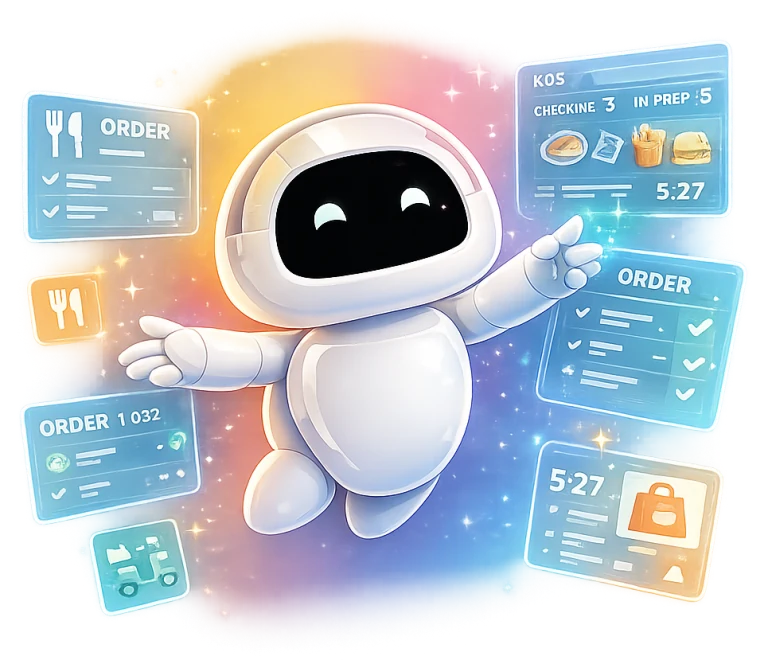 Feature preview How much should we prep for Saturday lunch? Prep list · Suggested quantities Marinated chicken40 portionsRice30 portions
Prep recommendations
Use recent sales and stock on hand to estimate how much to prepare before the next rush.
* Sales, settled orders, and sales rankings for dishes and set meals can be checked in the Smart Edition back office.
Open the assistant on any of these devices
Sign in to the Smart Edition back office in your browser and select AI Assistant in the lower-right corner.
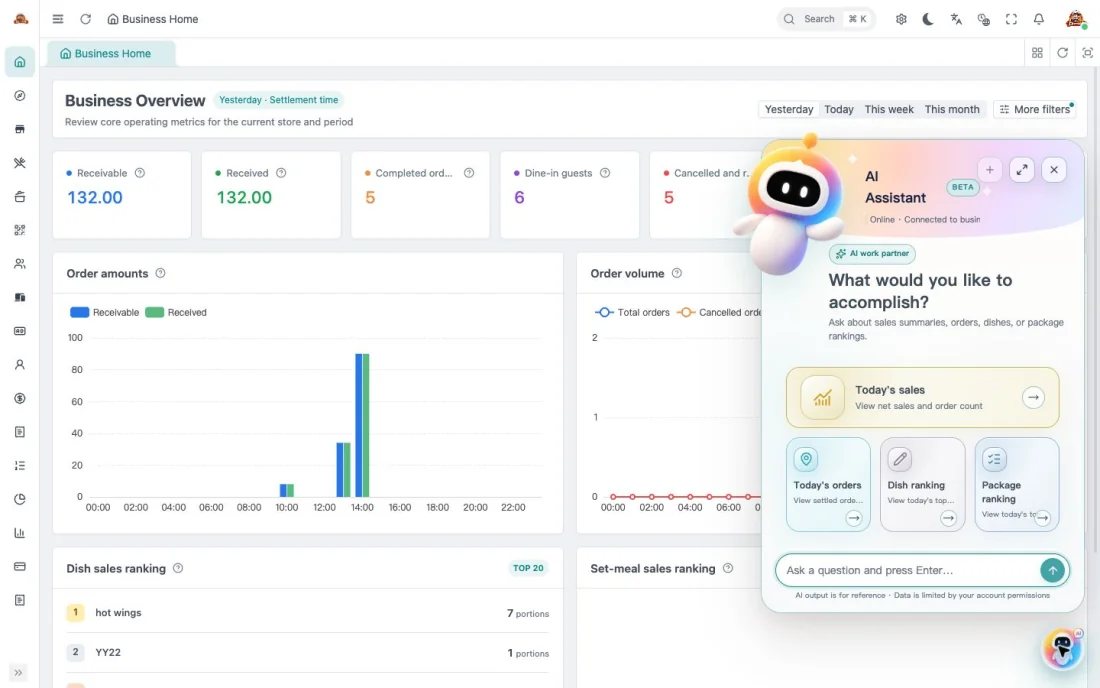
Computer
Keep the assistant open next to the business overview while you review your numbers.
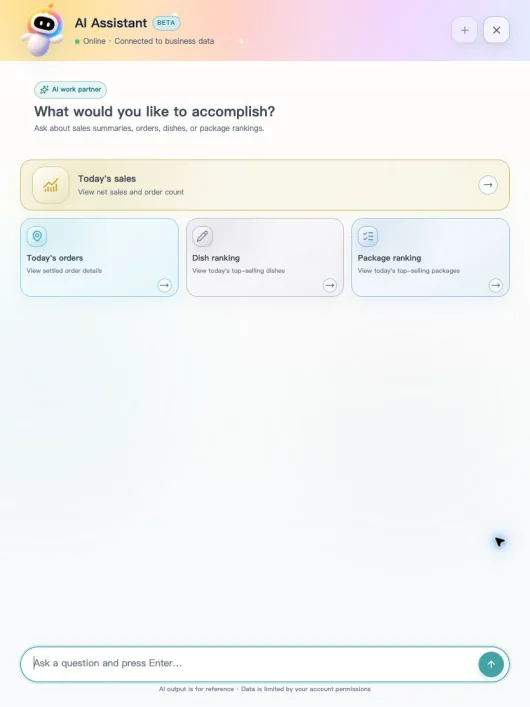
Tablet
Use the expanded layout to read answers as you move around the restaurant.
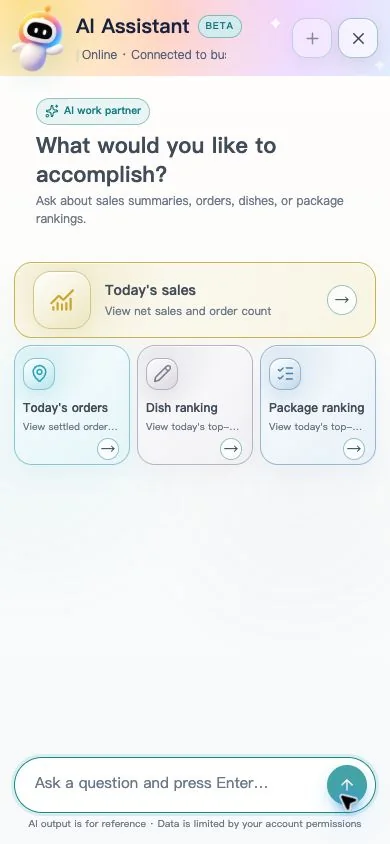
Phone
Open the same back office in your mobile browser to check in from anywhere.
Business Value
From a quick sales check to end-of-day reconciliation, get the figures you need and know where to verify them.
Less time looking up sales and orders
Less prep time for period comparisons
Less time compiling bestseller rankings
Less time cross-checking reports and orders
Illustrative estimates. Results depend on reporting habits and the store’s workflow.
AI Store Assistant FAQ
What you need to get started and how to check the answers.
The AI Store Assistant is built into the Lucky POS Smart Edition back office. Sign in through your browser and select AI Assistant in the lower-right corner.